


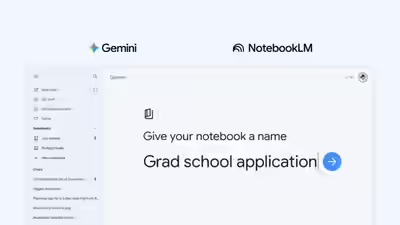
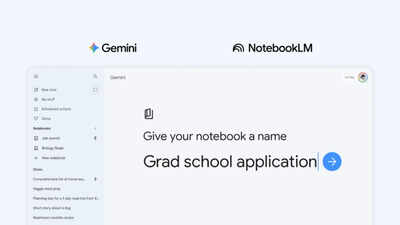
Google is merging two of its most useful AI tools. The Gemini app is getting a new feature called “notebooks” that syncs directly with NotebookLM, letting users organise chats, files, and research across both apps in one place.Think of notebooks as personal knowledge bases shared across Google products, starting in Gemini. You can create one from the side panel in the Gemini app, move past chats into it, attach documents and PDFs, and set custom instructions for how Gemini should respond. Once your sources are in, Gemini draws on them alongside its own tools and web search to give more contextual answers.The real hook is the two-way sync with NotebookLM. Any source you add in one place automatically appears in the other. So if you start a research project in Gemini, you can hop over to NotebookLM to generate a Video Overview or Infographic—without re-uploading anything. The reverse works too: ask Gemini questions about material you’ve already built in NotebookLM.
How notebooks bridge Gemini and NotebookLM for longer projects
The feature is clearly aimed at people running longer, multi-session projects—students working through a semester’s notes, researchers building a source library, or anyone tired of re-explaining context to an AI every time they open a new chat. Google’s own example: upload class notes into a notebook, create a cinematic video summary in NotebookLM, then return to Gemini the next day and ask it to draft an essay outline from the same material.Notebooks are rolling out this week on the web for Google AI Ultra, Pro, and Plus subscribers. Mobile support, wider European availability, and free-user access are expected in the coming weeks. Google says this is a first step, with more notebook features planned for the future.